Web & digital / 13 September 2026
A practical guide to planning a hotel website around the questions guests ask before they enquire or book.
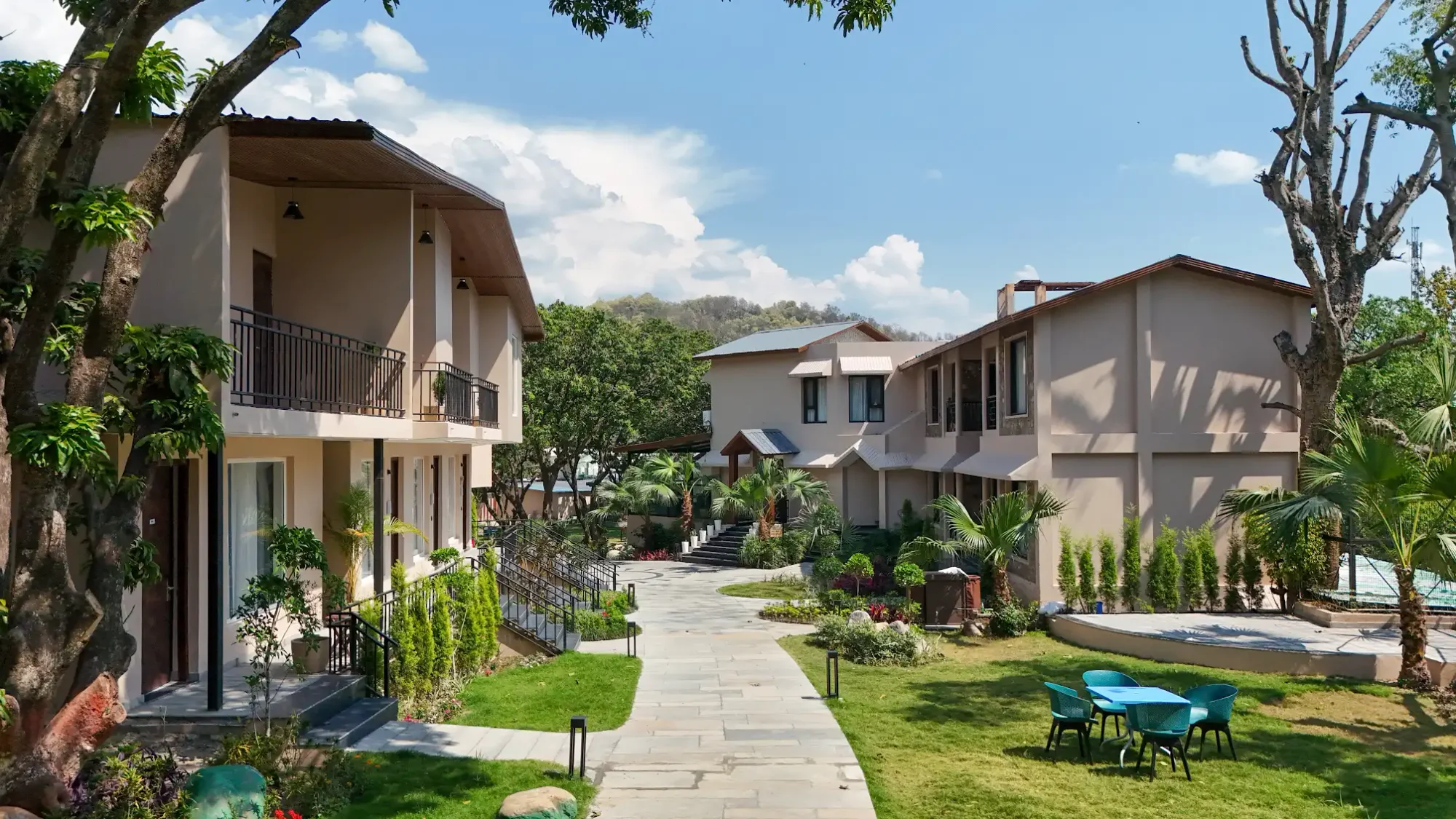
A hotel website has to do two jobs at once: communicate the feeling of a stay and help someone decide whether it fits their plans. The first deserves beautiful imagery. The second deserves clear answers. Our approach is to give both the same attention.
Start with the guest’s questions
Before drawing a homepage, list the decisions a guest needs to make. Where is the property? What kind of stay does it offer? Which room suits their group? How do they check availability? A beautiful opening should lead naturally into those answers.
For a boutique retreat, the landscape and pace of the experience may belong near the beginning. A property welcoming weddings may need a clear route to spaces, accommodation and an event enquiry. The navigation should reflect the actual business rather than every possible hospitality category.
Give rooms enough context
Room names rarely tell the whole story. Pair current photography with a useful description of layout, occupancy, beds and the relationship to the outdoors. Publish amenities only when the property confirms them. If views or layouts vary, explain that instead of allowing one photograph to represent every room.
A visitor should be able to compare their options without repeatedly opening and closing galleries. Keep the route to availability or enquiry visible, and make it clear when a booking button will open a separate booking platform.
Let film introduce the place
A short film can establish atmosphere, but important information should remain accessible without pressing play or enabling sound. Use a considered poster frame, readable text and a pause control for moving backgrounds. Put longer stories in a film section where visitors choose to watch them.
Our content production service plans website and social formats together, so a team can select an opening sequence without forcing an entire campaign film into the homepage.
Plan a useful enquiry
Ask for the details the team needs to respond, and explain what happens after submission. A general project enquiry and a hotel reservation request are different conversations; their forms should reflect that difference. On a property website, dates and party size may be useful if they are part of the agreed enquiry workflow.
A success message should appear only after the enquiry has been saved. Decide who checks incoming messages and how the team handles follow-up before the site goes live.
Build the content structure for search
Give each meaningful topic a clear home: rooms, dining, experiences and location, where those sections genuinely apply. Write page titles and descriptions that match the content. Avoid publishing near-identical destination pages simply to repeat place names.
Google’s guidance on helpful content encourages material that serves readers. For hospitality, that means answering real planning questions with accurate, property-specific information. A search-friendly structure supports that work; it does not replace it.
Treat launch as a handover
Before launch, test the enquiry and booking routes on a phone, check image descriptions and review practical details with the property team. Assign responsibility for updating seasonal information and replacing outdated offers. The final website should be something the team can maintain with confidence.
Explore our web design and development approach, or start a conversation about your property’s next website.
Put the ideas to work
Related reading
The next chapter
Some places stay
with you. Let’s begin.
Hospitality & lifestyle. From Noida, Delhi NCR · Serving India.